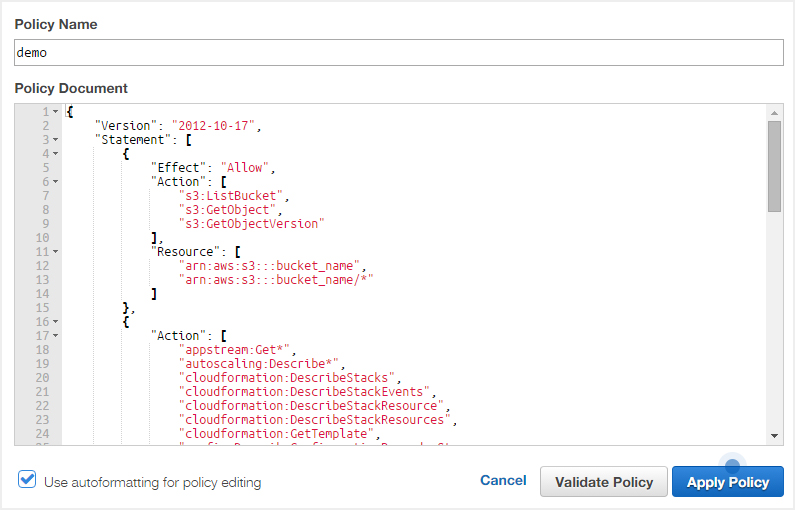

In this blog post we show how to attach policy to an IAM user to manage the AWS resources usage and permissions, you will have to create an IAM user first if don’t know how to do that then read our previous post
To attach policy to IAM user follow these steps:
1) Sign in to the AWS management console and open the IAM console at https://console.aws.amazon.com/iam/ and click on the users in left menu.
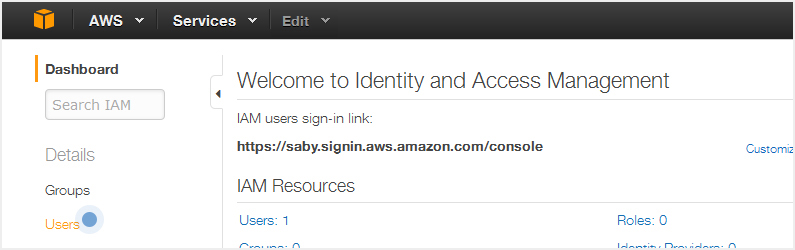
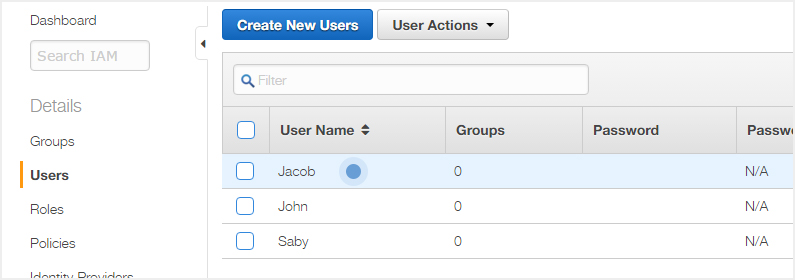
2) Click on the user to which you want to attach the policy.
3) Click on the permission tab and then there is two type of policies one are Managed Policies and other are Inline Policies.
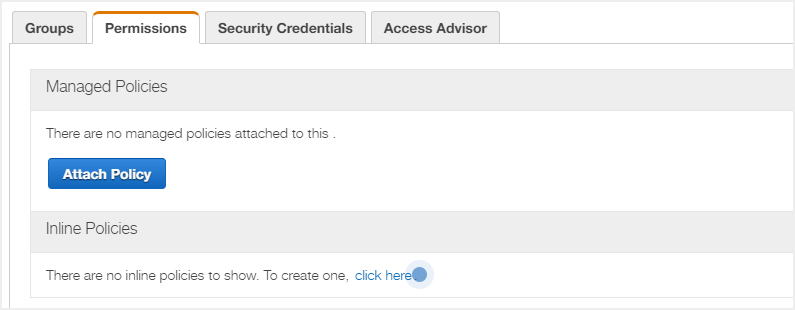
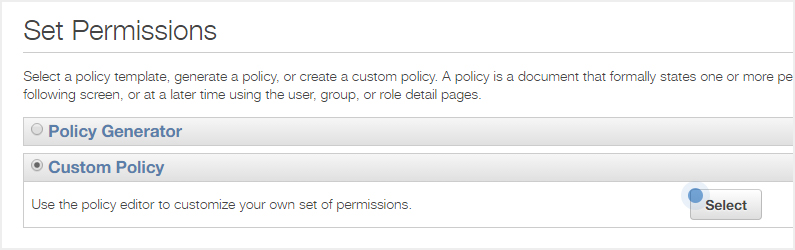
4) To attach the inline custom policy click on click here link and in next page you can select either policy generator to generate your policy according to your needs or can select the custom policy and click on the select button.
5) Paste your custom policy in the field and click on Apply Policy button to apply.